Free, always
- Write and edit your resume
- Free layouts, with a clean PDF and no watermark
- Six Pages templates
- History, undo, backups and iCloud sync
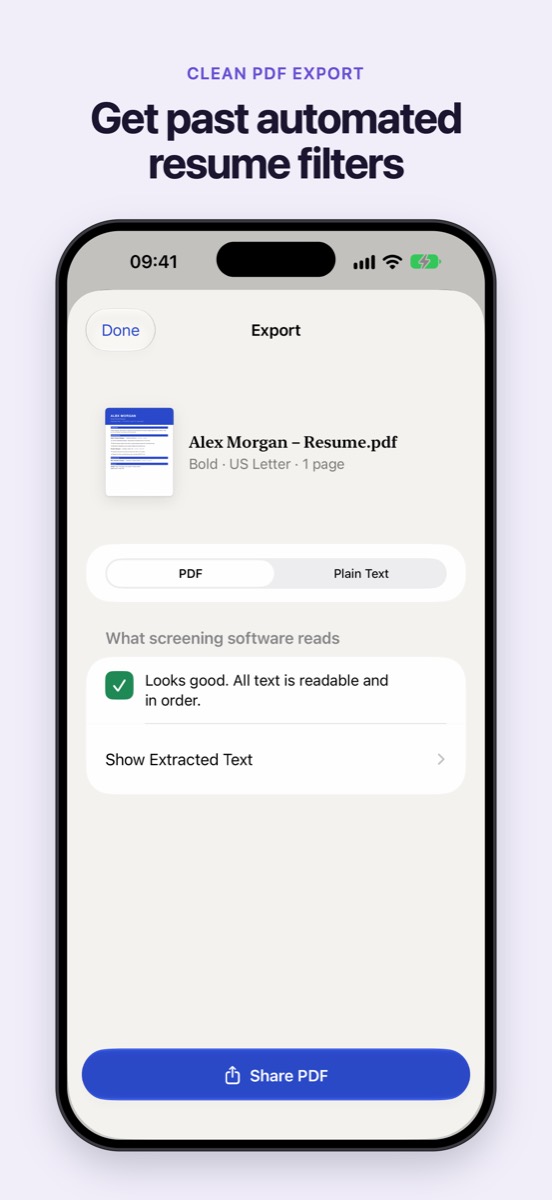
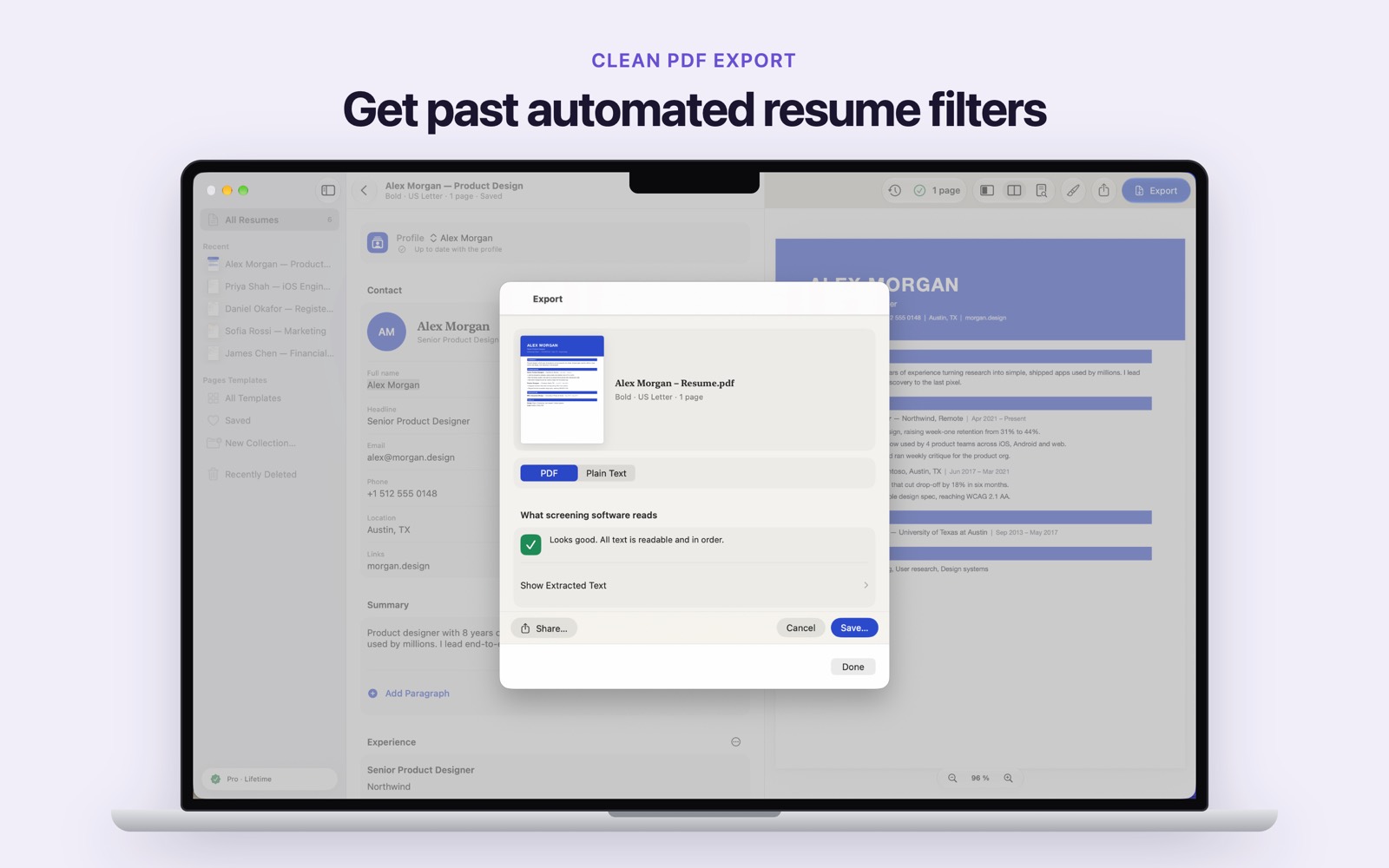
- A check of what screening software reads
Resume Builder
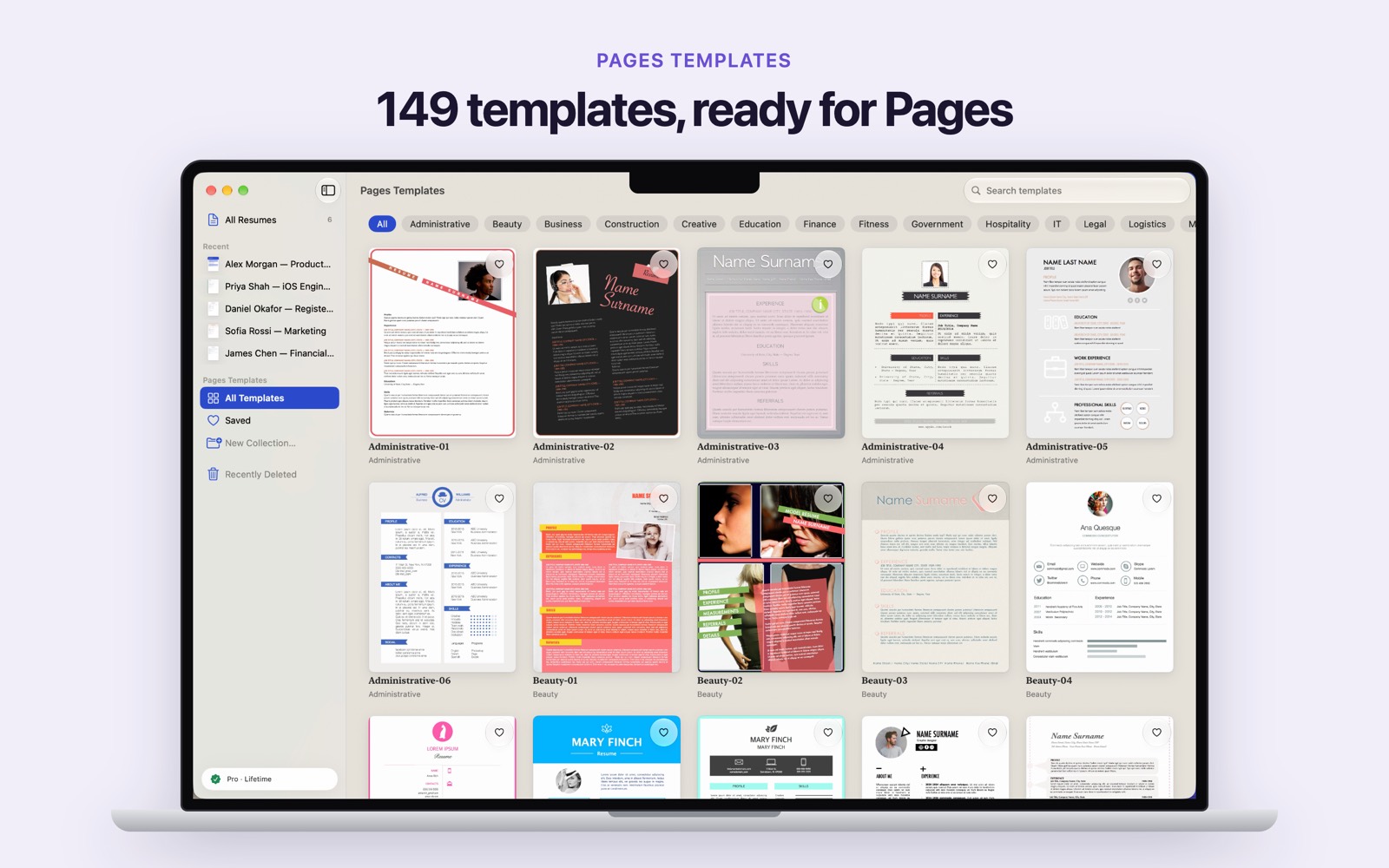
Build a clean, professional resume on iPhone, iPad and Mac, and export a PDF that hiring software can read. Prefer to design in Pages? 149 resume templates are included.


iOS 26, iPadOS 26 or macOS 26. No account. One purchase covers all three.
The builder
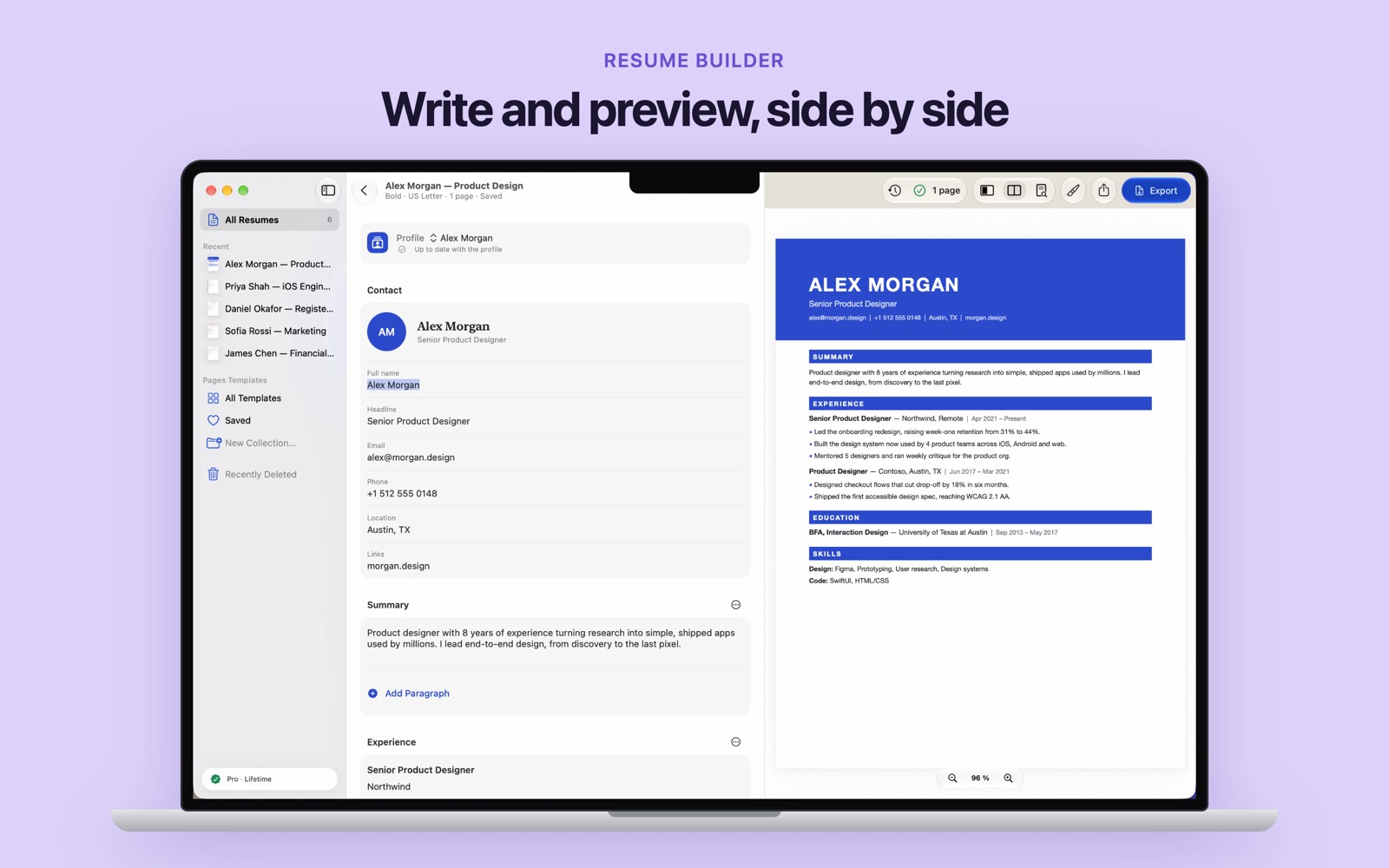
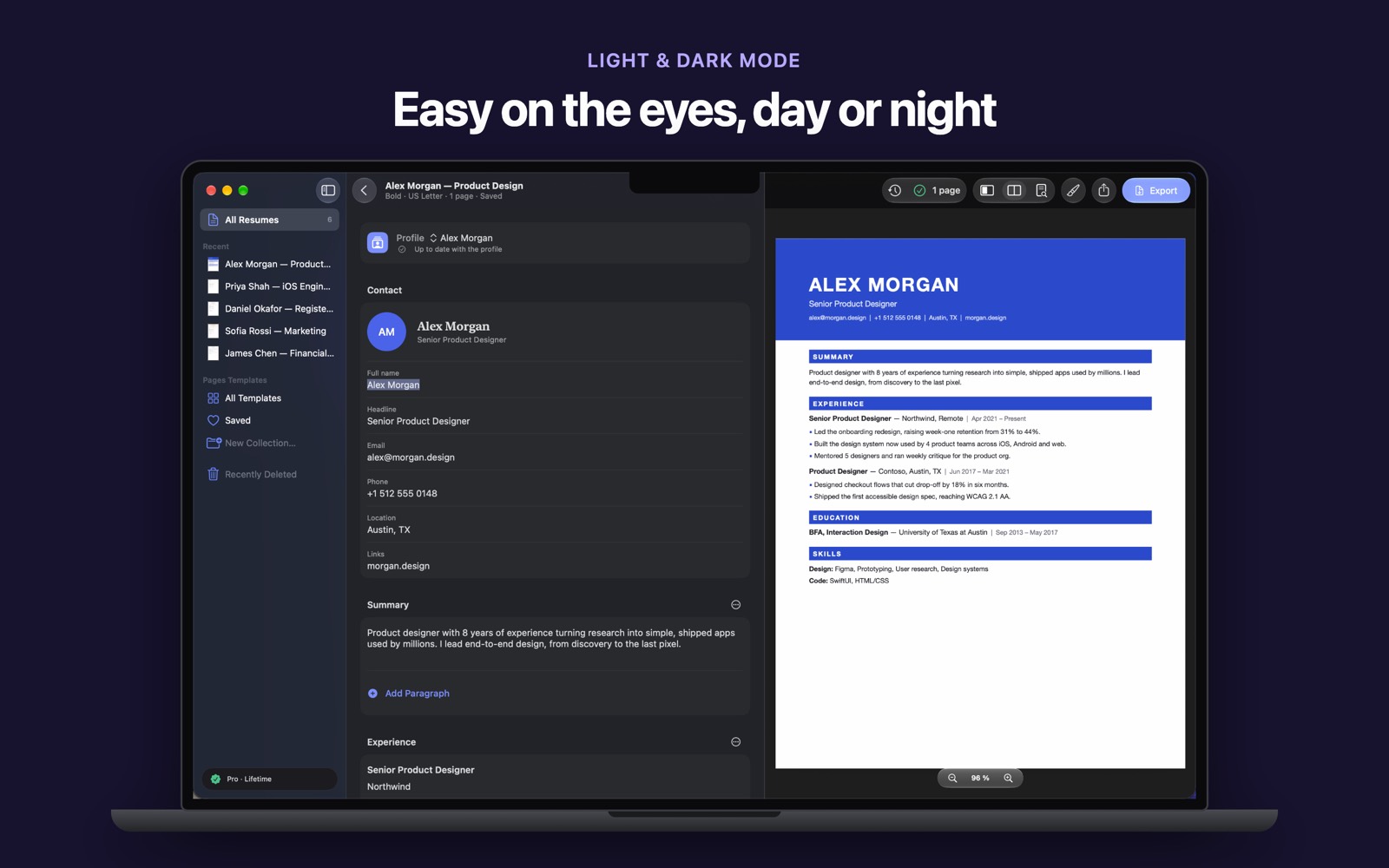
Contact, summary, experience, education and skills. The page updates as you type.
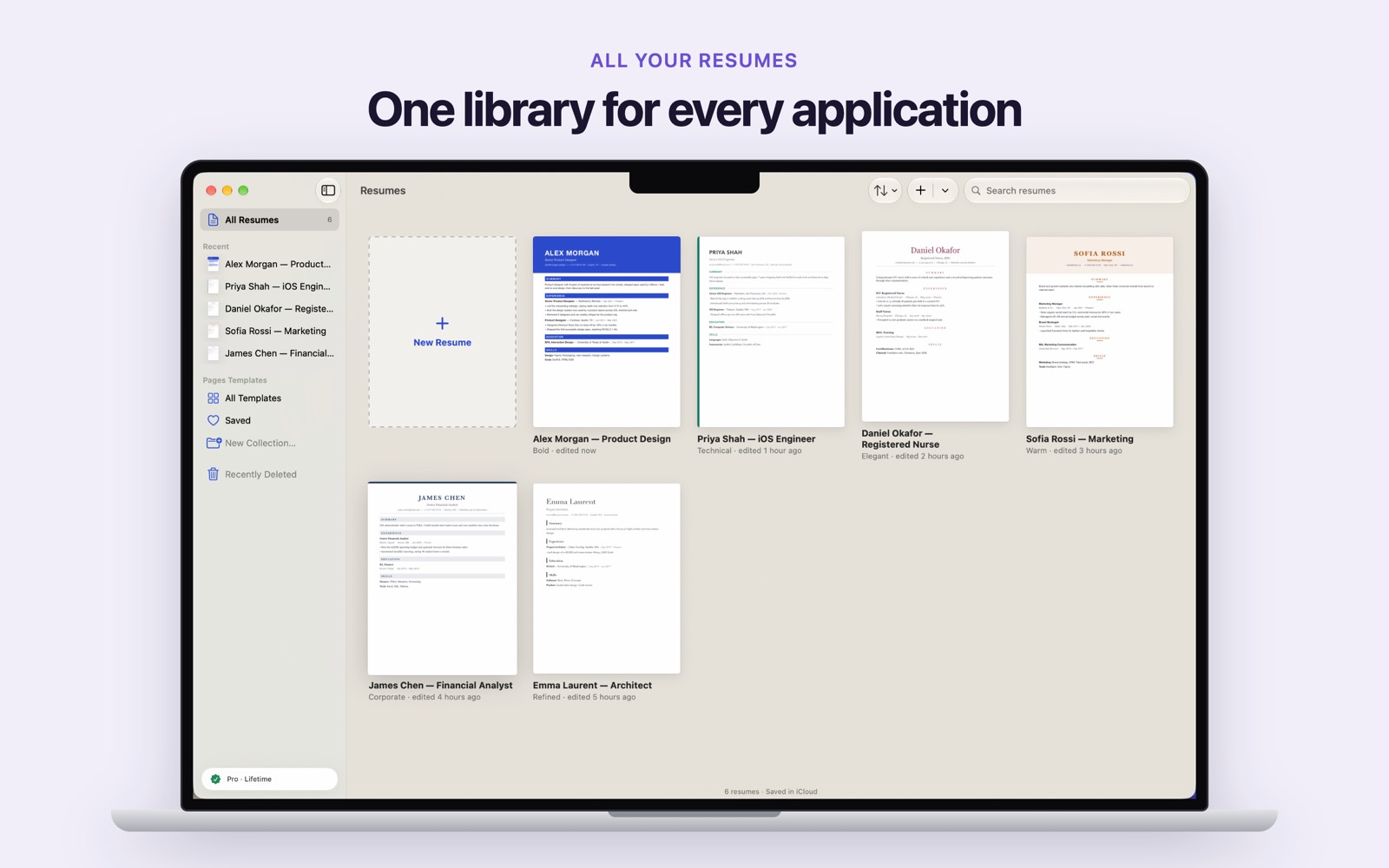
Save your details once and start the next resume from them. A change for one job stays marked, so you can reset it or apply it back.
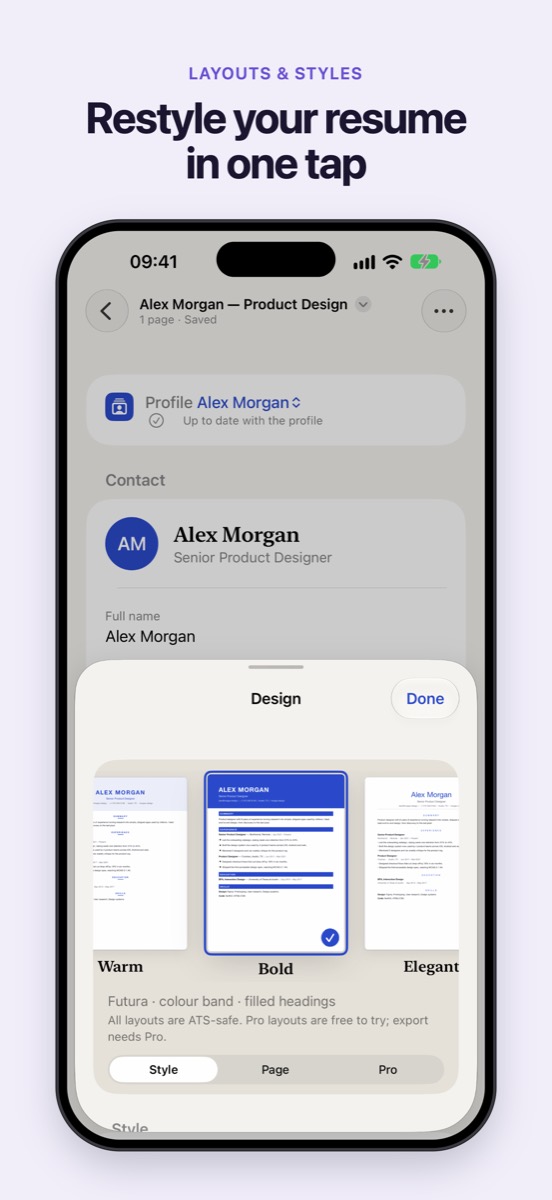
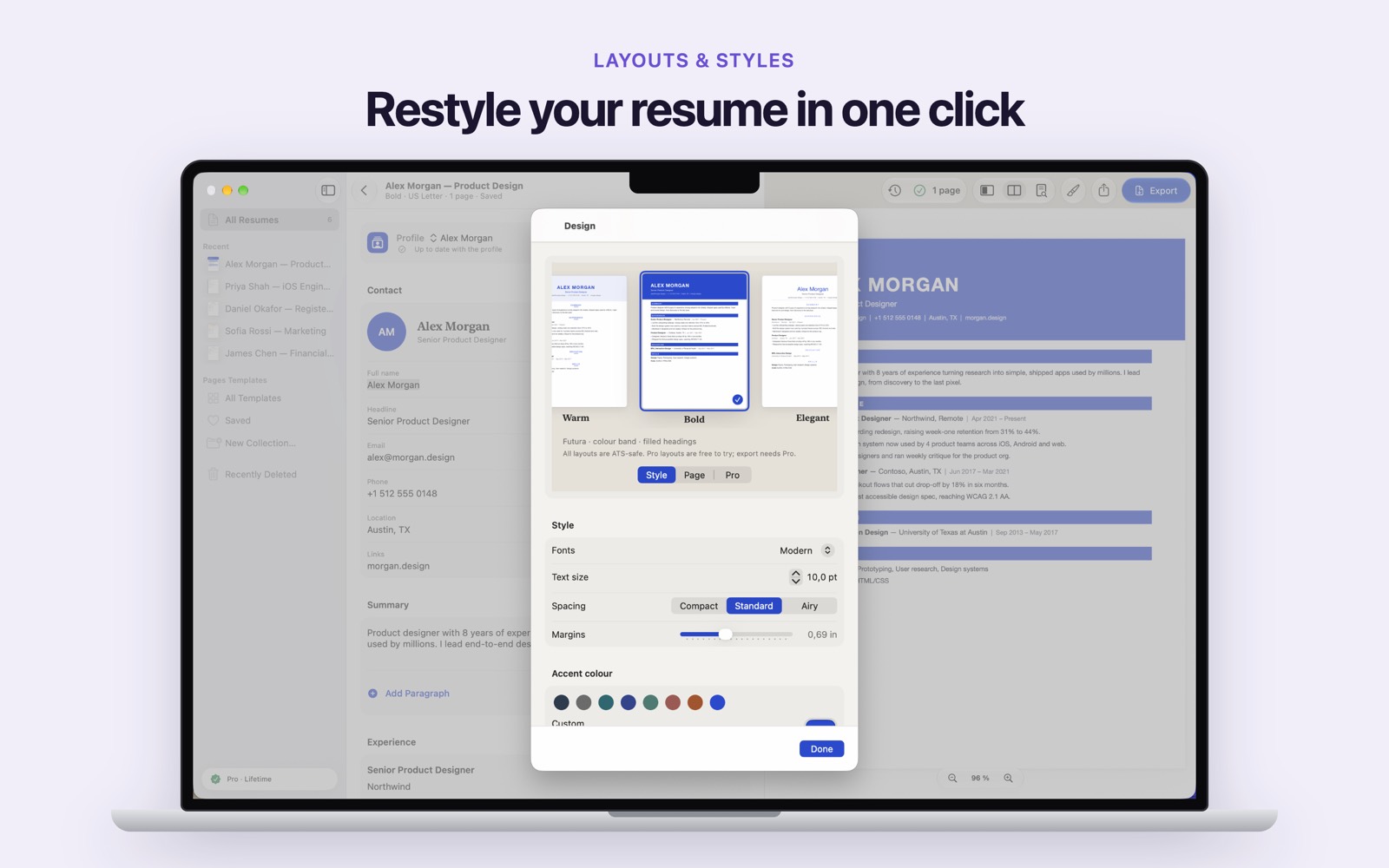
Change the layout and keep every word. Every builder layout is a single column with real text, so screening software can read it.
Before you apply, the app shows what screening software reads. US Letter or A4. Free layouts export as a clean PDF, with no watermark.
The same resume on iPad and Mac.
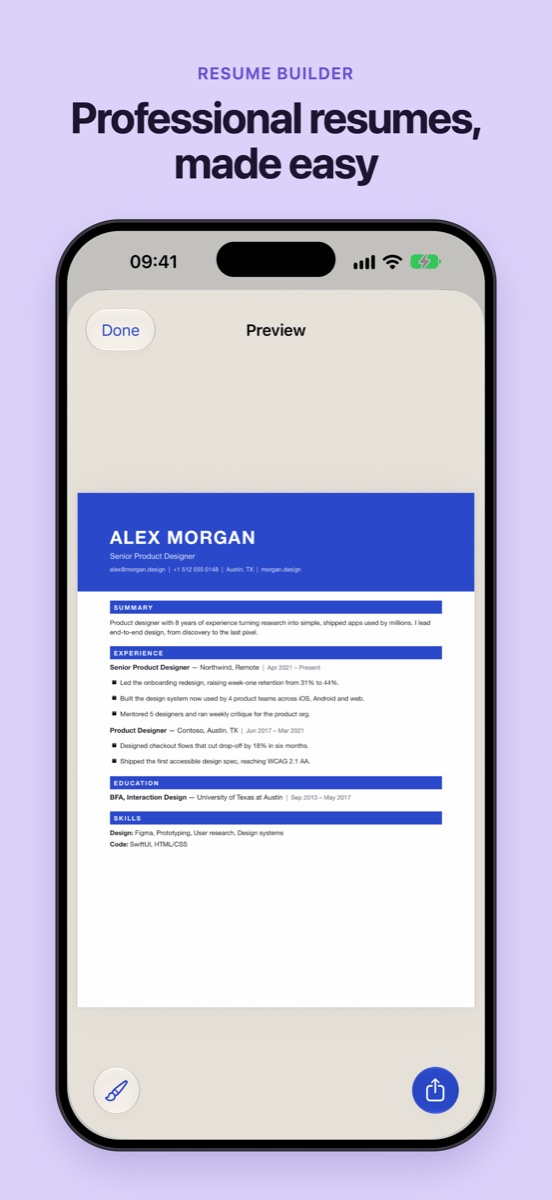
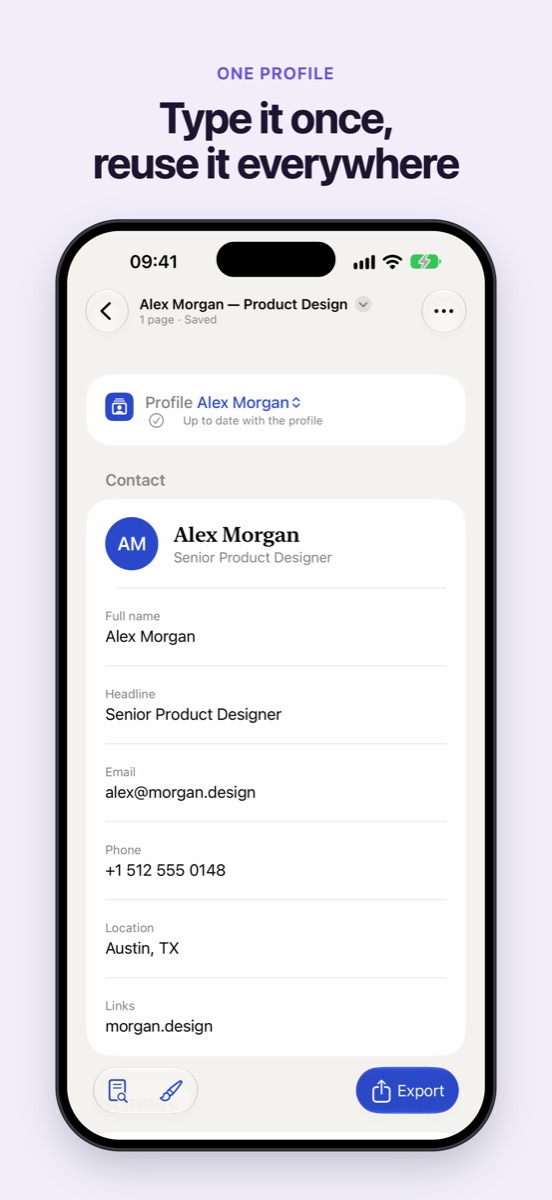
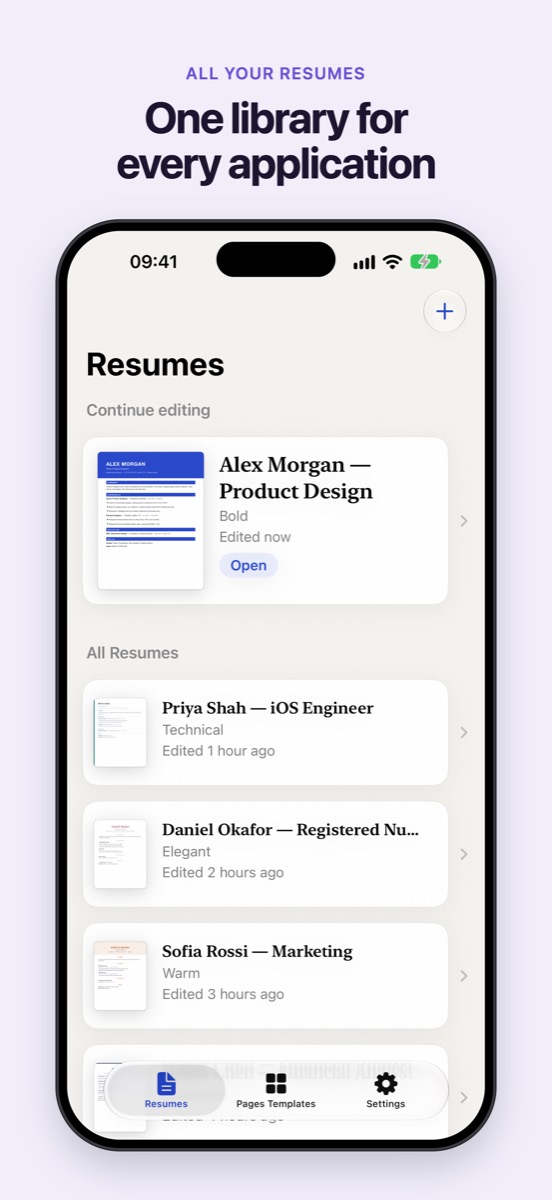
Write on one side, preview on the other. Light and dark.
Pages templates
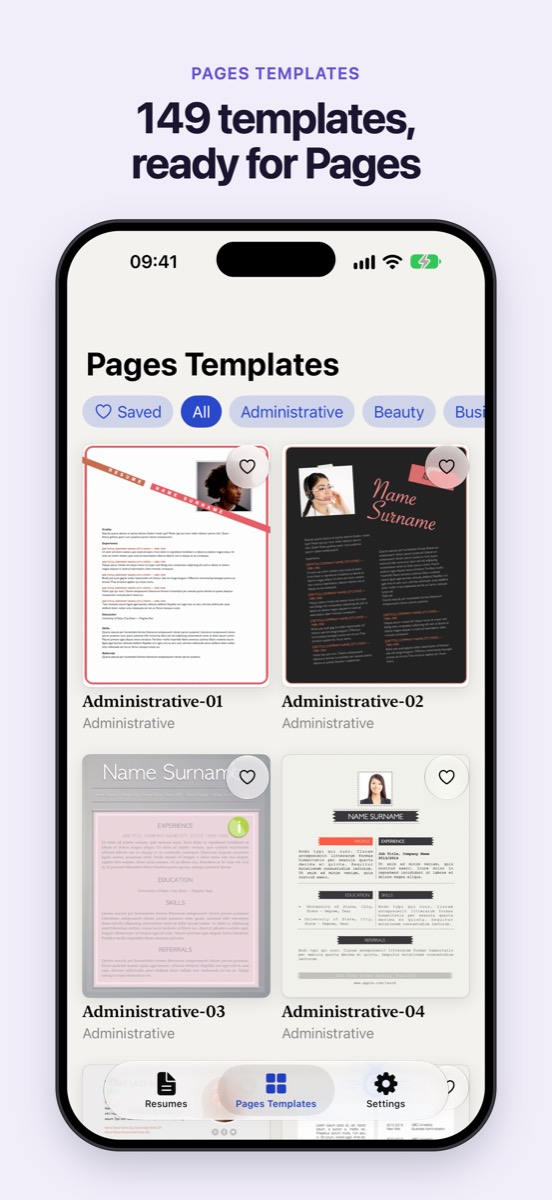
Browse by category, save favorites, and open a design in Pages in one tap. Pages templates need Apple Pages, free on the App Store. Six designs are free to open. Pro unlocks all 149, in US Letter and A4.
Price first
The price is on the plans screen before you pay. Pro layouts are free to try. Exporting one needs Pro.
$7.99 for 30 days, $24.99 a year, or $39.99 once.
US App Store prices. Job Sprint is one payment and does not renew. Yearly renews until you cancel. Lifetime is one payment. One purchase works on iPhone, iPad and Mac. If you already subscribe, you keep full access.
On the App Store for iPhone, iPad and Mac. No account to create.


A short guide to picking a layout: Five resume layouts and when to use each one.